
Google Docs : Streamlined Online Document Collaboration and Editing
Google Docs: in summary
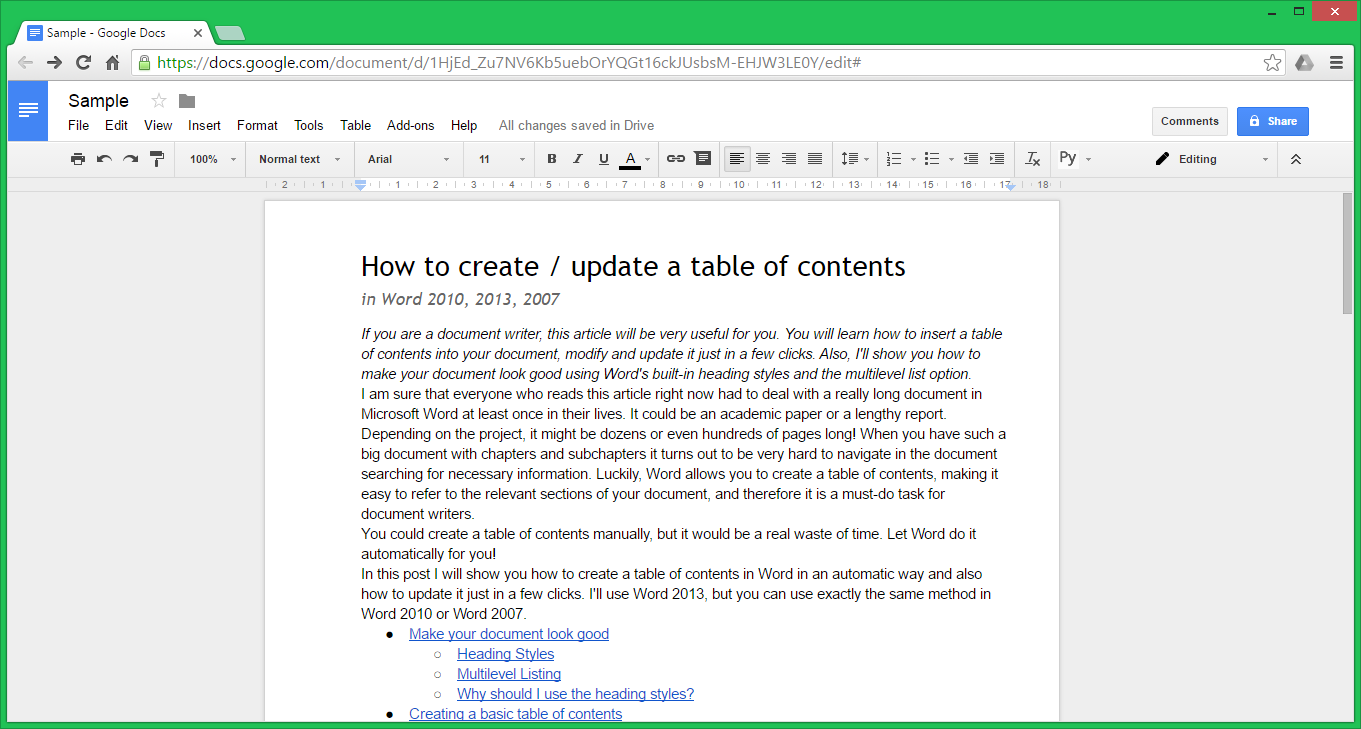
Google Docs is an online word processor designed for creating, editing, and seamlessly collaborating on documents. It's aimed at both professionals and students who require flexible document management. Key features include real-time collaboration, cloud-based storage, and a wide variety of editing tools.
What are the main features of Google Docs?
Real-time Collaboration
Real-time collaboration allows teams to work together, practically erasing geographical boundaries. Multiple users can edit and comment on a document simultaneously, making teamwork more efficient and cohesive.
- Simultaneous editing: Several users can make changes to the document at the same time.
- Comment and chat: Inline comments and an integrated chat feature facilitate smooth communication.
- Version history: Keep track of every edit with a comprehensive version history.
Cloud-based Functionality
Google Docs is built on cloud technology, offering accessibility and storage options that ensure your documents are always available when you need them.
- Accessible everywhere: Access and edit documents from any device with an internet connection.
- Automatic saving: Changes are saved automatically to prevent data loss.
- Storage in Google Drive: Stored in Google Drive, providing backup and ample storage space.
Comprehensive Editing Tools
Comprehensive editing tools empower users to craft and refine documents with precision and creativity.
- Rich text formatting: Utilise a wide array of formatting options, from simple text adjustments to complex styles.
- Insert multimedia: Add images, links, tables, drawings, and more to enhance your documents.
- Templates: Start with professionally-designed templates to speed up the document creation process.

Google Docs: its rates
Standard
Free
Basic
€4.00
/month /user
Business
€8.00
/month /user
Enterprise
Rate
On demand
Clients alternatives to Google Docs
Document management system offering secure storage, real-time collaboration, mobile access and workflow automation.
See more details See less details
Konica Minolta is a complete document management system that facilitates the secure storage and retrieval of documents. It enables users to collaborate in real time and access files from any mobile device. In addition, it offers workflow automation capabilities, helping businesses to optimise their processes and improve efficiency in document management.
Read our analysis about KONICA MINOLTA
This software facilitates document management with indexing, advanced search and secure file sharing, optimising workflows.
See more details See less details
ELO DIGITAL OFFICE stands out for its comprehensive document management capabilities. It offers automatic indexing, enabling files to be filed quickly and efficiently. Advanced search makes it easy to locate specific information in a matter of seconds. What's more, the software guarantees secure document sharing, limiting access to authorised users and protecting sensitive data. These features contribute to significant optimisation of workflows within companies.
Read our analysis about ELO DIGITAL OFFICE
Efficiently manage your documents with this cloud-based system. Streamline your workflow and collaborate with ease.
See more details See less details
Store, organise and share your documents securely. Access them from anywhere and collaborate with your team in real-time. Customise your workflow and automate repetitive tasks to save time and increase productivity.
Read our analysis about Welyb Appvizer Community Reviews (0) The reviews left on Appvizer are verified by our team to ensure the authenticity of their submitters.
Write a review No reviews, be the first to submit yours.